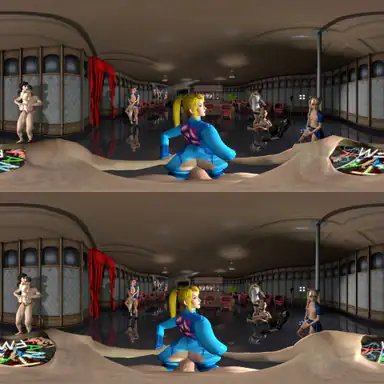
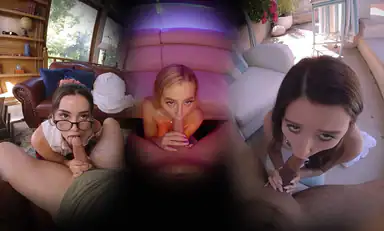
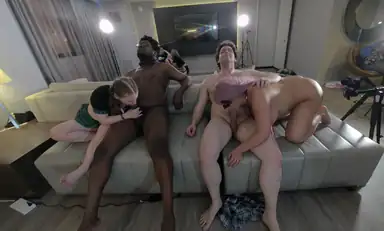
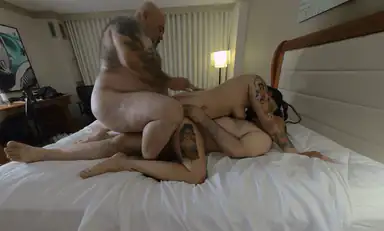
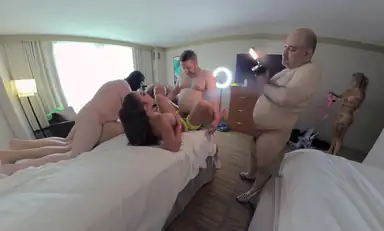
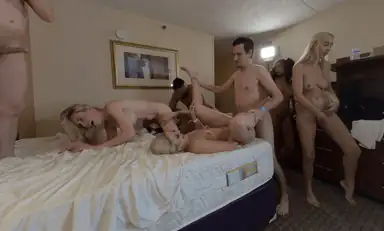
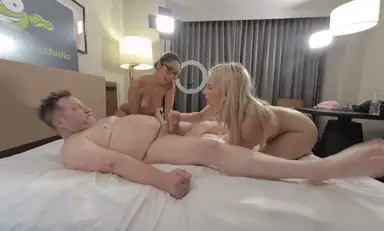
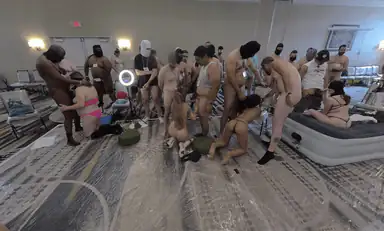
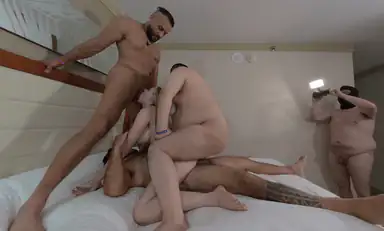
A 360 scene wraps a full sphere around you, so you can look anywhere, front, back, up and down. It suits environments and group scenes, and it trades some sharpness for the wider view.
In a 360 degree scene the camera captures everything around you. That freedom is the point: you can turn away from the focal action and the world keeps going. The trade off is resolution, because the same pixels now cover twice the area of a 180 scene, so a 360 scene at the same resolution looks softer per degree. Set your player to 360 SBS and expect to move your head, not your whole body, for the best result.
It is VR video that captures a full sphere around the viewer, so you can look in every direction while the scene plays. It is better for environments and group scenes than tight POV shots, because it gives you more to look at.
Why does 360 look softer than 180?
Because the same resolution is spread across twice as much area. A 180 scene puts all its pixels in front of you, while a 360 scene wraps them around a full sphere, so the detail per degree is lower.
How do I watch a 360 VR scene?
Set your player to 360 SBS or equirectangular 360, depending on the label, and turn your head to explore. On a flat screen a 360 scene plays as a distorted panorama, so a headset gives the intended result.